
Microsoft Word For Beginners
Learn the basics of Microsoft Word step-by-step in this beginner-friendly lesson. Discover how to create, edit, format, save, and print professional documents using MS Word. Perfect for students, office workers, teachers, freelancers, and anyone new to Microsoft Word.
Created by
vSkul Teacher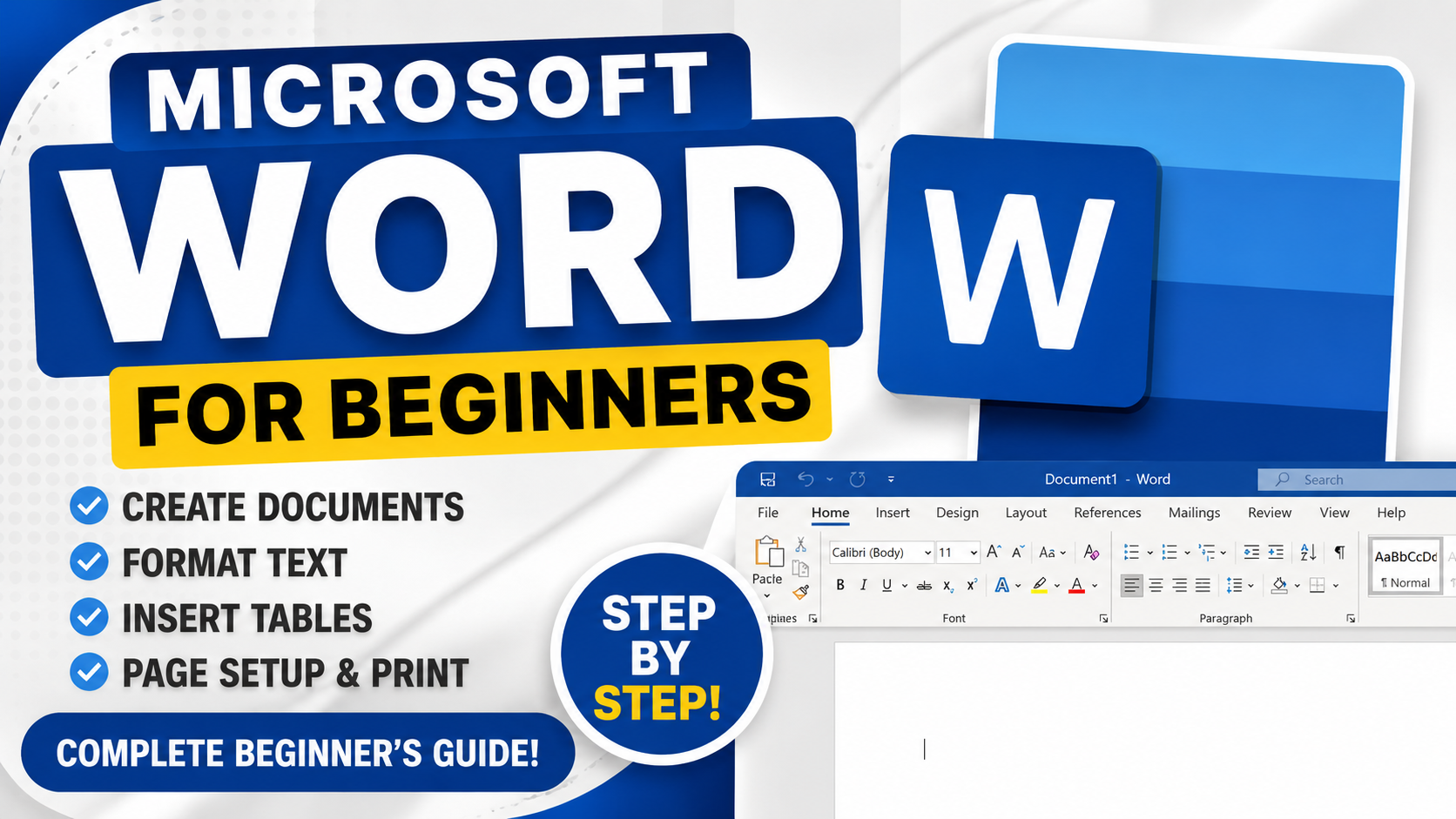
This course includes:
- 📹 3 video lessons
- ⏱ 51m on-demand video
- 📱 Mobile & desktop access
- 🎓 Certificate of completion
- ♾️ Lifetime access
vSkul Teacher
B.Sc Mathematics, M.Ed Educational Technology
Professional teacher with more than 10 years of teaching experience.
Course Curriculum
Beginner's Guide To Microsoft Word - Lesson 1
Learn the basics of Microsoft Word step-by-step in this beginner-friendly lesson. Discover how to create, edit, format, save, and print professional documents using MS Word. Perfect for students, office workers, teachers, freelancers, and anyone new to Microsoft Word.
Microsoft Word For Beginners - Lesson 2
Want to learn Microsoft Word step-by-step as a complete beginner? This lesson is designed to help you master the fundamentals of Microsoft Word quickly and easily. In this tutorial, you’ll explore the Microsoft Word interface, learn how to create and edit documents, format text professionally, insert tables, manage page layouts, and use essential tools like spell check and printing options.
Whether you are a student, job seeker, business owner, teacher, freelancer, or office worker, this Microsoft Word beginner course will give you the confidence to create professional documents for school, work, and personal projects.
Microsoft Word For Beginners - Lesson 3
Welcome to Lesson 2 of our Microsoft Word for Beginners series! In this practical step-by-step tutorial, you’ll learn how to confidently use Microsoft Word for creating professional documents, editing text, formatting paragraphs, working with tables, and improving document layout.
This beginner-friendly lesson is designed for students, teachers, job seekers, entrepreneurs, office workers, and anyone who wants to improve their Microsoft Office skills. Whether you are new to Word or looking to refresh your knowledge, this lesson will help you build a strong foundation in document creation and formatting.
About This Course
Master the fundamentals of Microsoft Word in this complete beginner-friendly lesson designed for anyone who wants to learn document creation and editing from scratch. This lesson walks students through the Microsoft Word interface, document formatting tools, text editing, tables, page layouts, printing options, and productivity features used in professional environments.
Whether you are a student, business professional, entrepreneur, teacher, or job seeker, this lesson will help you build confidence using Microsoft Word for everyday tasks and office work. Students will learn practical skills such as creating documents, formatting text, using copy and paste tools, inserting tables, adjusting page layouts, and preparing documents for printing or sharing.
Student Reviews
No reviews yet. Be the first to review this course!